
Student engagement is hard.Get students to notice, engage, and show up.
Create student-friendly copy and visuals without guessing what works.
Does this sound familiar?
Getting copy and visuals takes weeks, not hours
You have a career fair next month. Marketing has a queue. You'll be lucky to get assets before the week of.
Same message, every channel
You wrote one email and now you're trying to make it work on Instagram, Handshake, and the LMS. It doesn't.
Students scroll right past your posts
You put real effort into that flyer. Students didn't even stop scrolling.
Staying on-brand takes forever
Every post needs the right logos, colors, and fonts. Doing it manually slows you down.
How it works
Tell us what you're promoting
A career fair, workshop, or engagement topic. Pick your audience and channels.
Get channel-ready content instantly
Copy for Email, LMS, Handshake, Instagram, and LinkedIn, each written for how students use that channel.
Add your brand and publish
Your brand is applied automatically. Edit, download, and post.
From idea to ready-to-post in under 15 minutes.
What we hear from career centers
“We used to wait weeks for marketing to get back to us. Now we just make the content ourselves and it actually looks good.”
Everything you need
AI-powered weekly plan
Tuned to your institution and semester. It picks the topics, the hooks, and the right mix of tips, polls, and promotions.
Writes like a peer, not an institution
Short, clear copy made for a phone screen. Students actually read it.
Multi-week promotion plans
Announce, remind, and follow up over 1 to 8 weeks. Urgency builds as the date gets closer.
AI-generated branded visuals
An AI reads your post and proposes three visual directions. Pick one, and it generates the image for Instagram or LinkedIn.
Brand kit
Set your logos, colors, and fonts once. Everything stays on-brand automatically.
Engagement between events
Polls, tips, and conversation starters so students don't forget about you between campaigns.
Your week, planned in seconds
Tell it your school and what's coming up. It picks what to post, when, and in what format. Every hook is written to stop the scroll, not fill a calendar.
Visuals that don't look like templates
Not filters or templates. The AI reads your post and designs something original for it. Each image matches the tone of the platform. Bold and visual for Instagram. Clean and editorial for LinkedIn.
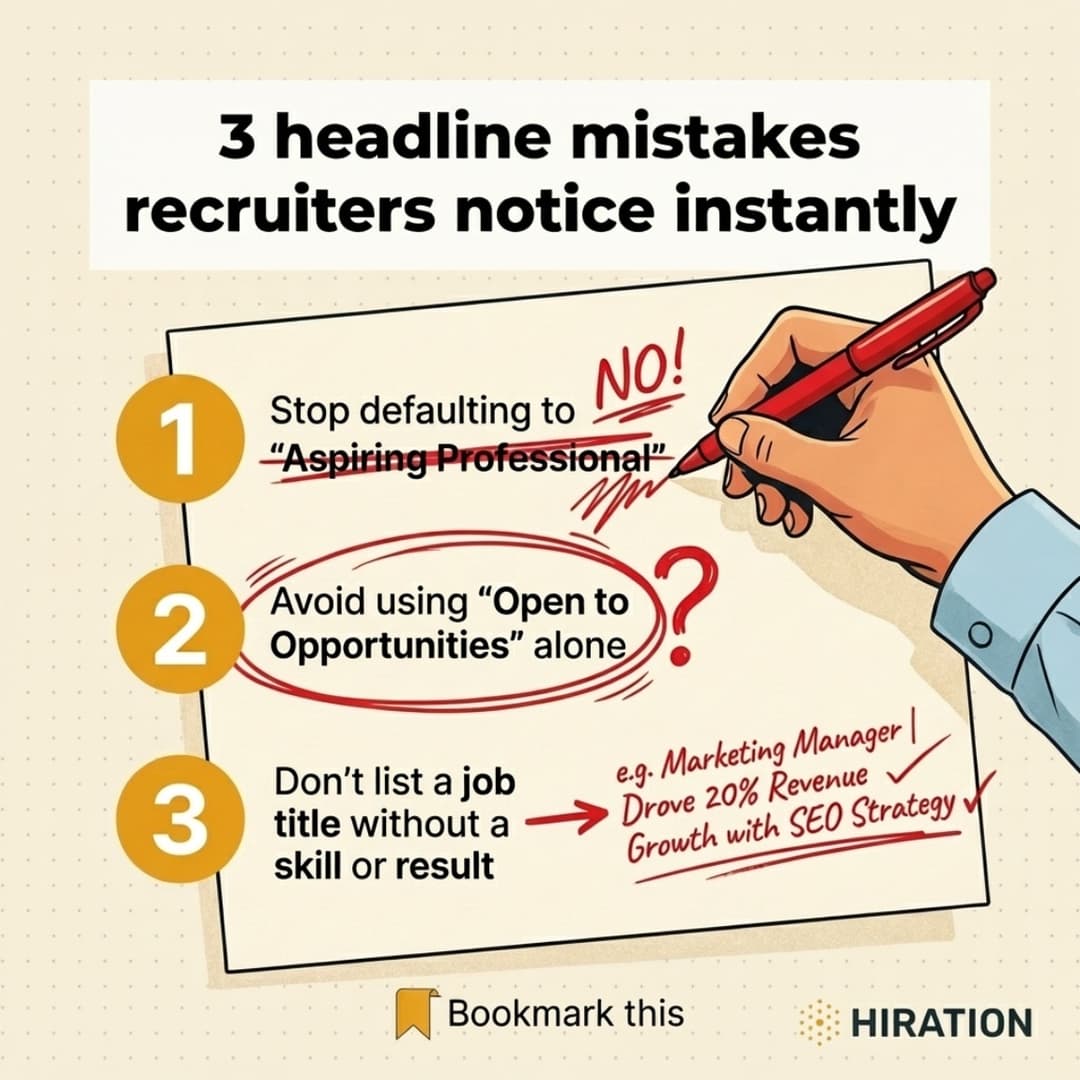
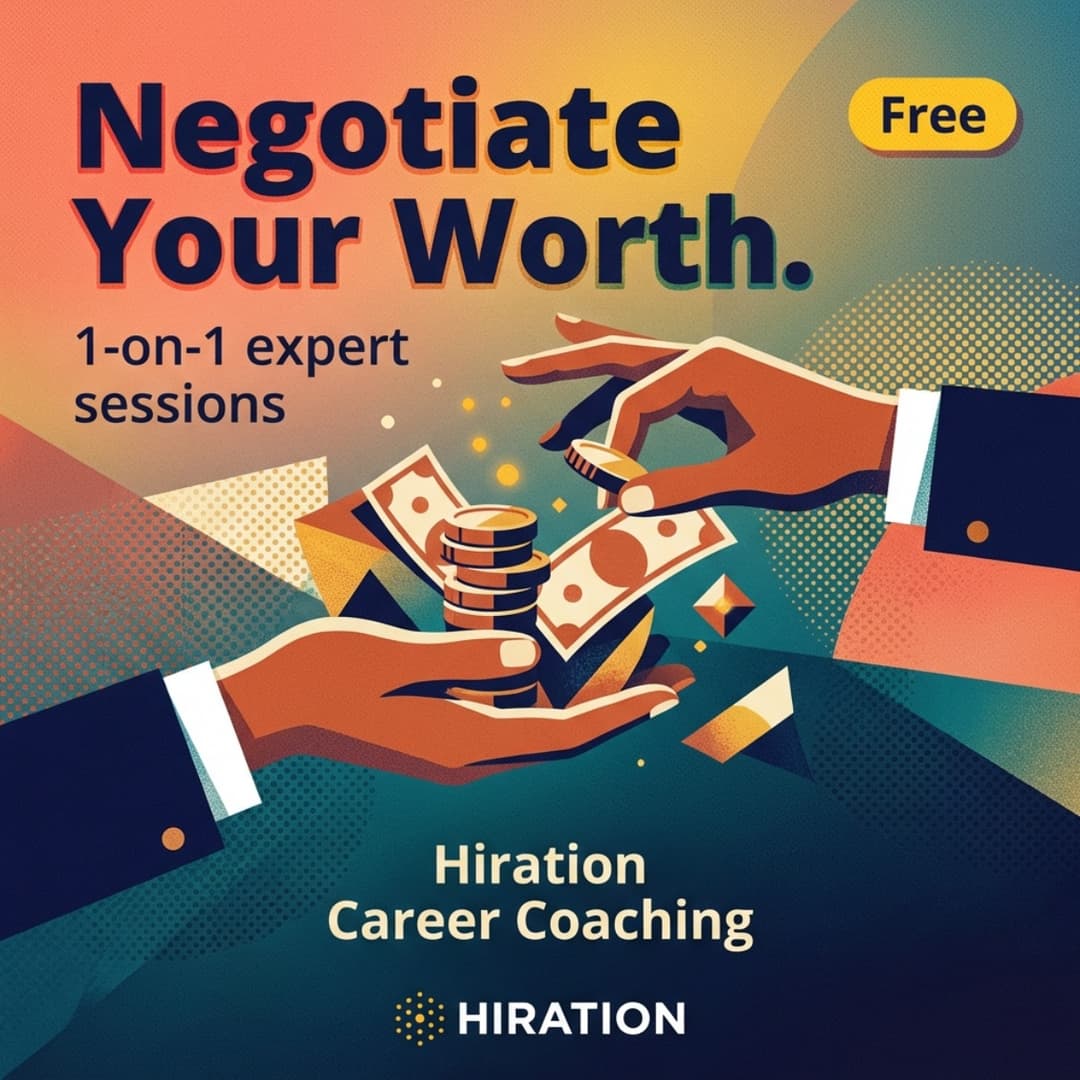
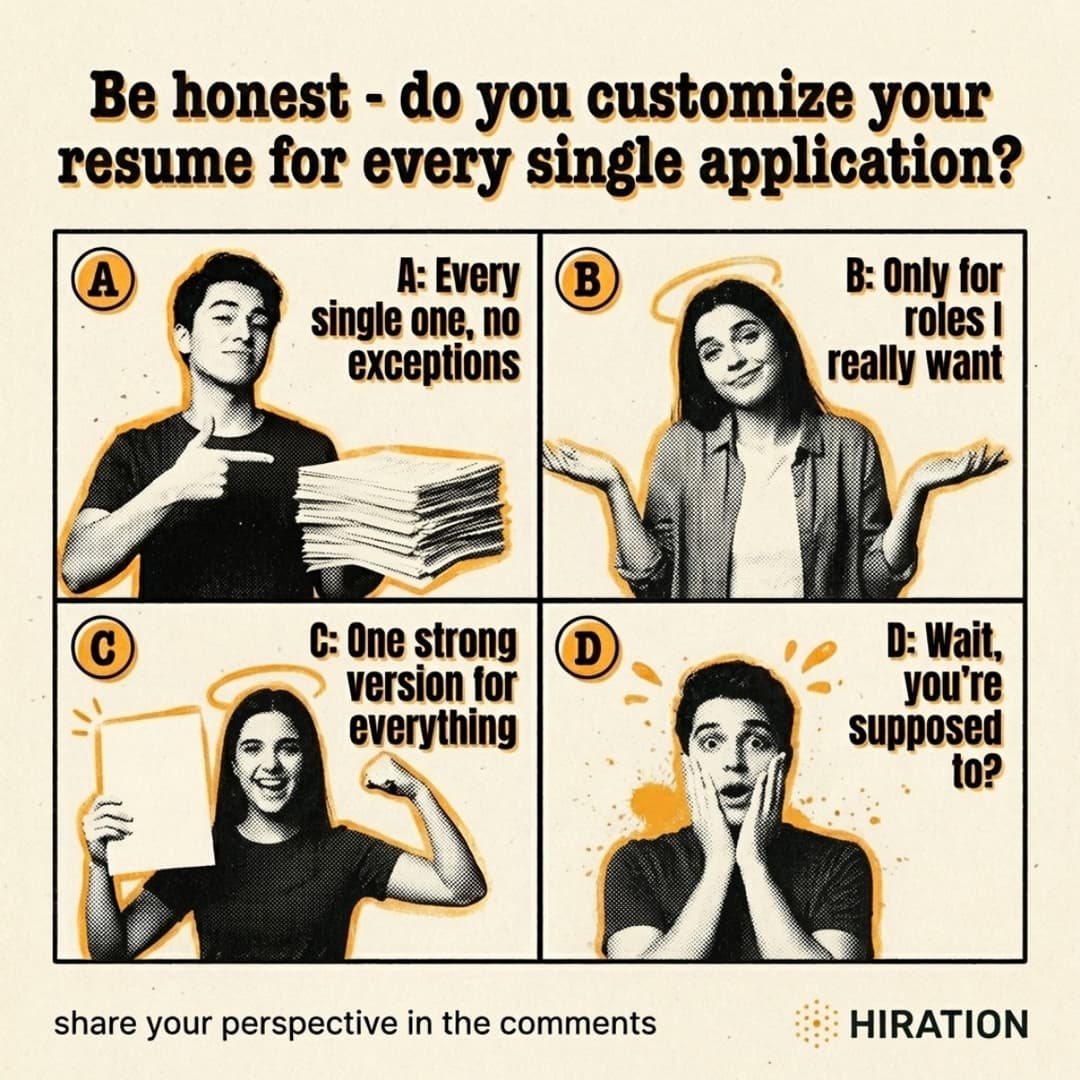
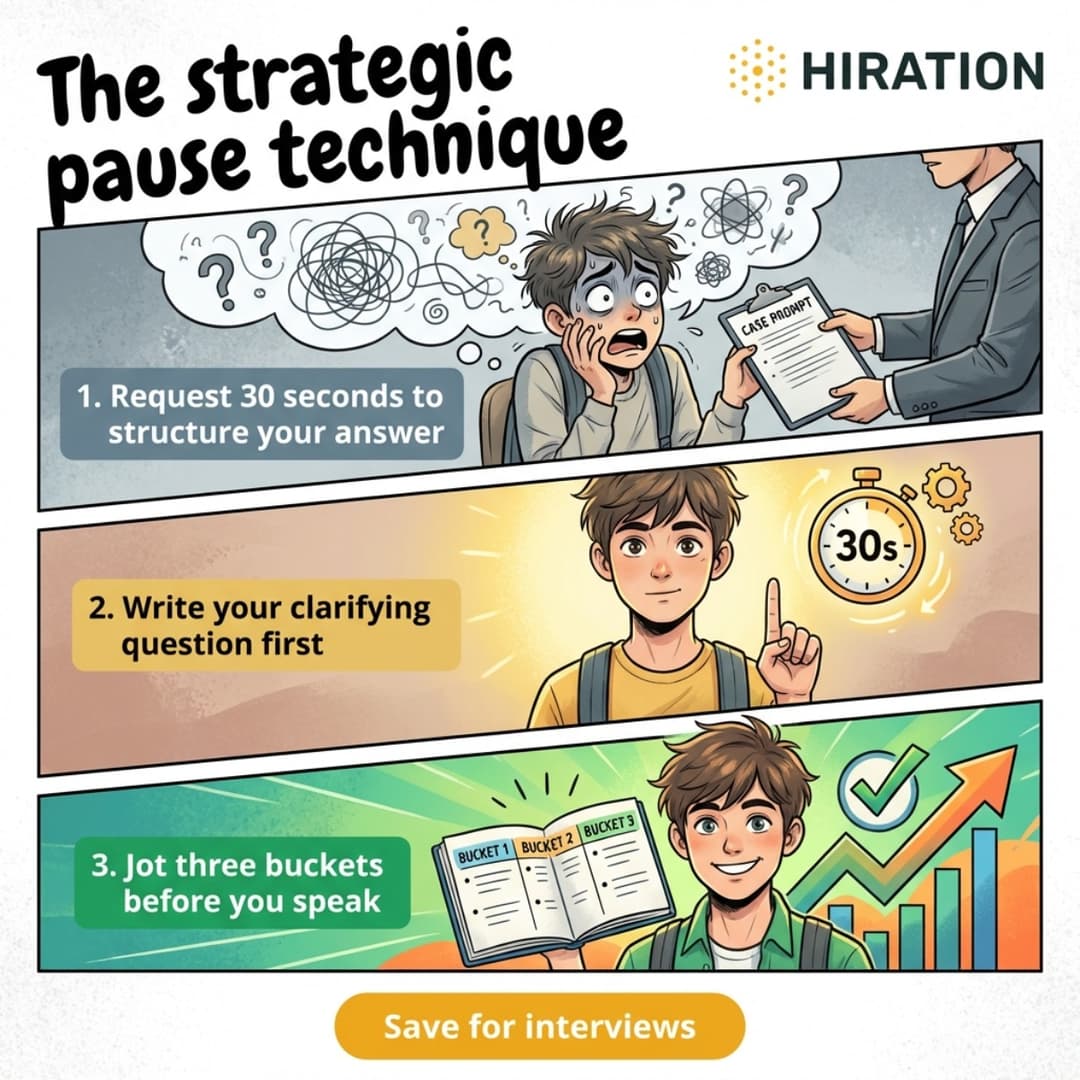
Real posts created with Campaign Studio
Tip
Promotion
Poll
Tip
Built by a team that knows career services
We've worked with career centers for 8+ years. We know the small teams, the tight timelines, and the students who don't open emails.
Frequently Asked Questions
What is Hiration Campaign Studio?
Describe what you want to promote, and the AI creates ready-to-post copy and branded visuals for Email, Handshake, LMS, Instagram, and LinkedIn. Built for career services teams.
What types of campaigns can I create?
Events (career fairs, workshops), services (resume reviews, advising), resources (job boards, career guides), and engagement content like polls and tips to keep students active between events.
How is this different from using Canva + ChatGPT?
Describe your campaign once and get ready-to-post content for every channel. No switching tools, no reformatting. It also plans your week, writes scroll-stopping hooks, and generates visuals with real creative direction. Everything stays on-brand.
Can I use my university's branding?
Yes. Upload your logos, set your colors and fonts once. Every image and post automatically uses your branding from that point on.
How long does it take?
Under 15 minutes from idea to ready-to-post. No credit card required.
Can my whole team use it?
Yes. Anyone with a .edu email from your institution can sign up and create campaigns using your shared brand kit.
I'm not in career services. Can I still use this?
We built this for career centers, but if you're in another department, email us at team@hiration.com with the subject "Hiration Campaign Studio" and we'll figure it out.