
Run student engagement campaigns without waiting on marketing
Describe an event once. Get the posts, email, flyer, and event page. Between events: tips, polls, and statements that keep students listening.
On your brand, same day. Refine anything in plain English.
Free to start. No credit card. Built by Hiration, with 8+ years serving career centers.
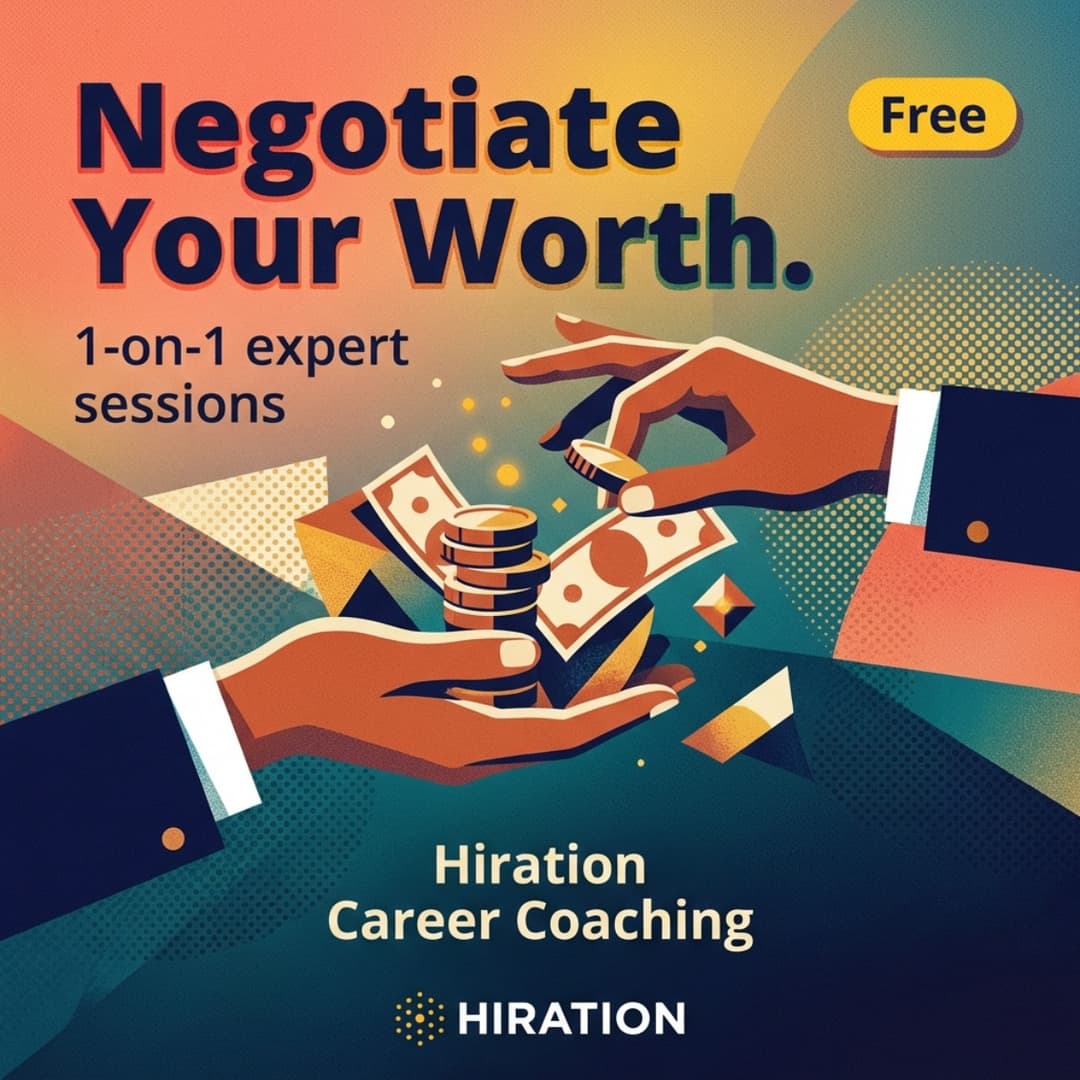
One description becomes the whole campaign
You type
“Spring Career Fair. March 12, Student Union. RSVP on Handshake. Open to all majors.”
You get
That covers event weeks. Which leaves most weeks.
Most weeks don’t have an event. Post anyway.
Students tune out teams that only show up asking for RSVPs. Engage content keeps you useful in between.
Career tips
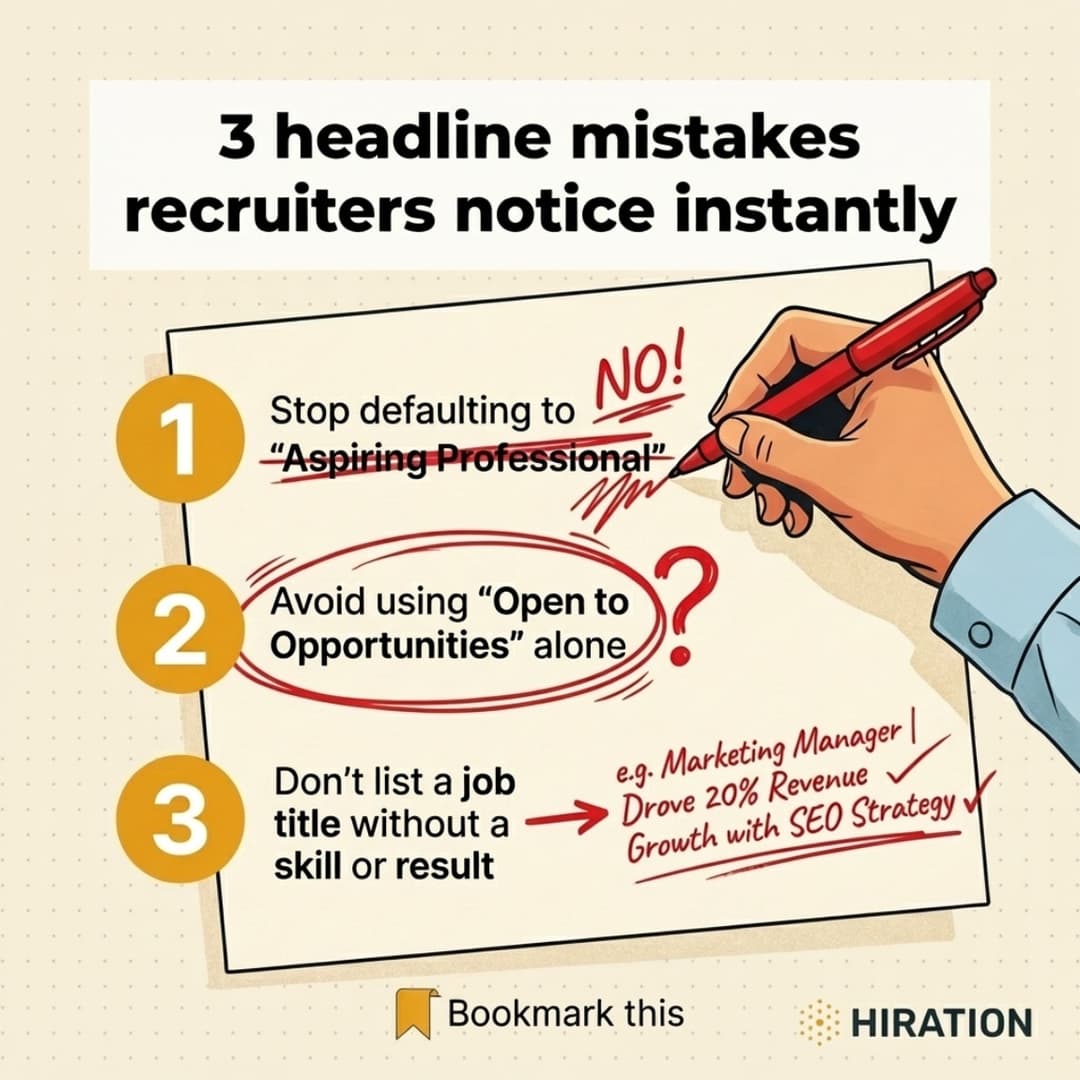
What recruiters notice in the first 10 seconds. What to say after a career fair. Practical advice students save and share.
Polls
Ask students where they stand. AI drafts the question and suggests the answer options.
Statements
Your team's take on hiring myths, timelines, and trends. A point of view in a student's feed, not another flyer.
Multi-part series
Turn one theme into a connected arc, like a five-part interview prep series that builds week over week.
Same channels, same brand kit as your campaigns. At semester’s end, it all compiles into a newsletter.
What one description produces
The studio writes the copy, art-directs the visual, and generates the image. Every example below: one run, no edits.


You’re asked to market like an in-house team, without in-house marketing support
Sound familiar?
- ×
Submit a marketing request. Wait 2-3 weeks. Review. Send back revisions. Wait again.
- ×
Spend an afternoon in Canva building one Instagram graphic. Then do LinkedIn. Then email. Then Handshake.
- ×
Hope the fonts, colors, and logo placement pass brand review.
- ×
Get a design back. Wrong headline. Wrong color. Now you’re in Canva for tweaks.
With Campaign Studio
- ✓
Describe a resume workshop. Get LinkedIn, Instagram, email, and Handshake copy in minutes.
- ✓
AI generates on-brand images using your exact colors, fonts, and logo. No Canva. No marketing ticket.
- ✓
Tweak anything by typing the change. “Royal blue, not navy.” “Shorter headline.” Your team approves before anything goes live.
- ✓
End of semester? Compile the campaigns you already ran into a branded newsletter PDF.
How it works
Describe a campaign. Refine it in plain English. Ship it. Keep your feed warm in between.
Describe what you’re sharing
A workshop, a fair, a program, or just a topic students need this week. The studio returns channel-specific copy and on-brand visuals in minutes.
Refine in plain English
Don’t like the headline? Type the change and the studio applies it. No new design tool to learn.
Stays on brand automatically
Your brand kit is the source of truth for every generation. No off-brand colors, no surprise fonts, no invented accreditation lines.
Keep the feed warm between events
Tips, polls, and statements, single or as a series. Weekly Plan drafts an idea for every weekday. One-Click Post emails you a finished post, image included.
A strategist who knows your school. A writer for every channel. A creative director for every visual. A QA editor before every publish.
Built for career centers. And the teams next door.
Same problem, different department. Same workflow.
Yield campaigns. Admitted-student events. FAFSA reminders. Summer-melt outreach.
Registration nudges. Advising drop-ins. Early-alert outreach. Financial aid renewal.
Major and program promotion. Info sessions. Research talks. Faculty events that need to fill seats.
Reunion campaigns. Giving day drives. Mentor recruitment. Alumni newsletters that actually get opened.
Career centers are who we serve most, and where the product is deepest. Also at home with res life, library, wellness, and others running recurring student campaigns.
Everything you can run from one place
One workspace, one brand kit, every channel covered.
Channel-native campaigns
Instagram, LinkedIn, email, LMS, Handshake. One description in, each platform in its native voice.
Print flyers + branded QR
Print-safe or full-bleed PDFs, with branded QR codes you drag exactly where they fit.
Event pages, ready to publish
AI proposes three page designs. Pick one, publish at your branded URL.
Newsletters from your campaigns
Compile past campaigns into a branded newsletter. AI rewrites them into one voice. Download as a PDF.
Never a blank Monday
Weekly Plan drafts your week, one idea per weekday. One-Click Post emails you a finished post, image included.
Tips, polls, and statements
Steady engagement content for the quiet weeks, as single pieces or a multi-part series.
Invite your team
Add teammates as editors by email. They shape the content; your brand kit stays with you.
Your brand, drafted at signup
Tell us your institution. We draft your colors and font, you confirm, and every output uses them.
Folders that match your semester
Organize campaigns by term, event series, or team. Deleting a folder never deletes the work inside.
Your campaigns, compiled into publications
Pick past campaigns. AI rewrites them into one cohesive newsletter, applies your brand, and renders a PDF.
One page, up to six campaigns
A branded newsletter with masthead and issue label, made for email, bulletin boards, and stakeholder updates.
One voice, not six
Campaigns written months apart read like different people. AI rewrites them into one publication voice.
Proof for the people you report to
The semester’s work, compiled into a branded PDF your dean, employer partners, and faculty actually read.
Block editor, design panel, live PDF preview. Work you already shipped becomes something you can hand out. Multi-page flipbooks coming soon.
Never start Monday with a blank calendar
Weekly Plan drafts a post idea for every weekday. Turn any into a campaign in one click, or let One-Click Post finish one for you. Regenerate anytime; built slots stay put.
Tip: 3 things recruiters notice in the first 10 seconds of your resume
Resume Workshop announcement across IG, LinkedIn, email
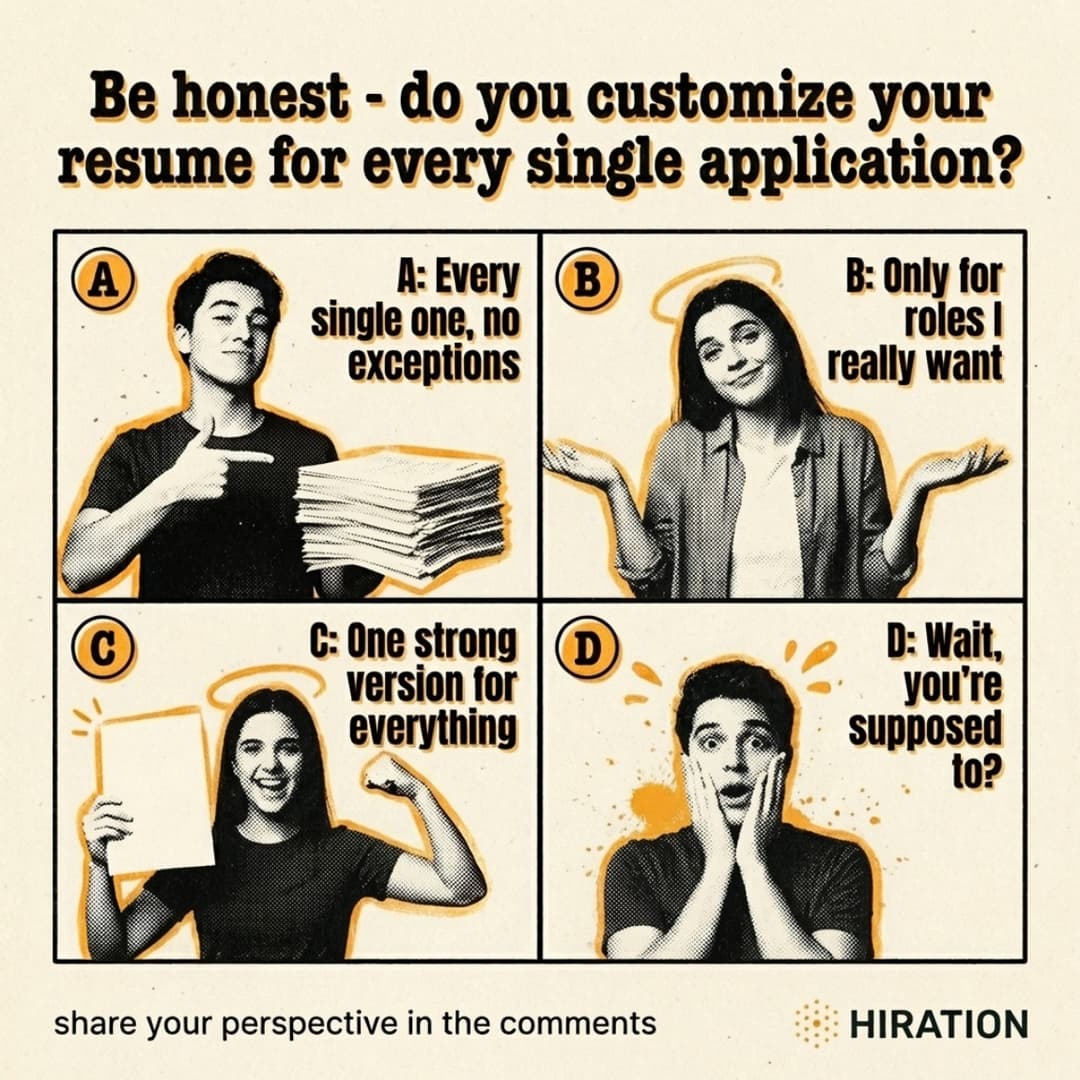
Poll: Do you customize your resume for every application?
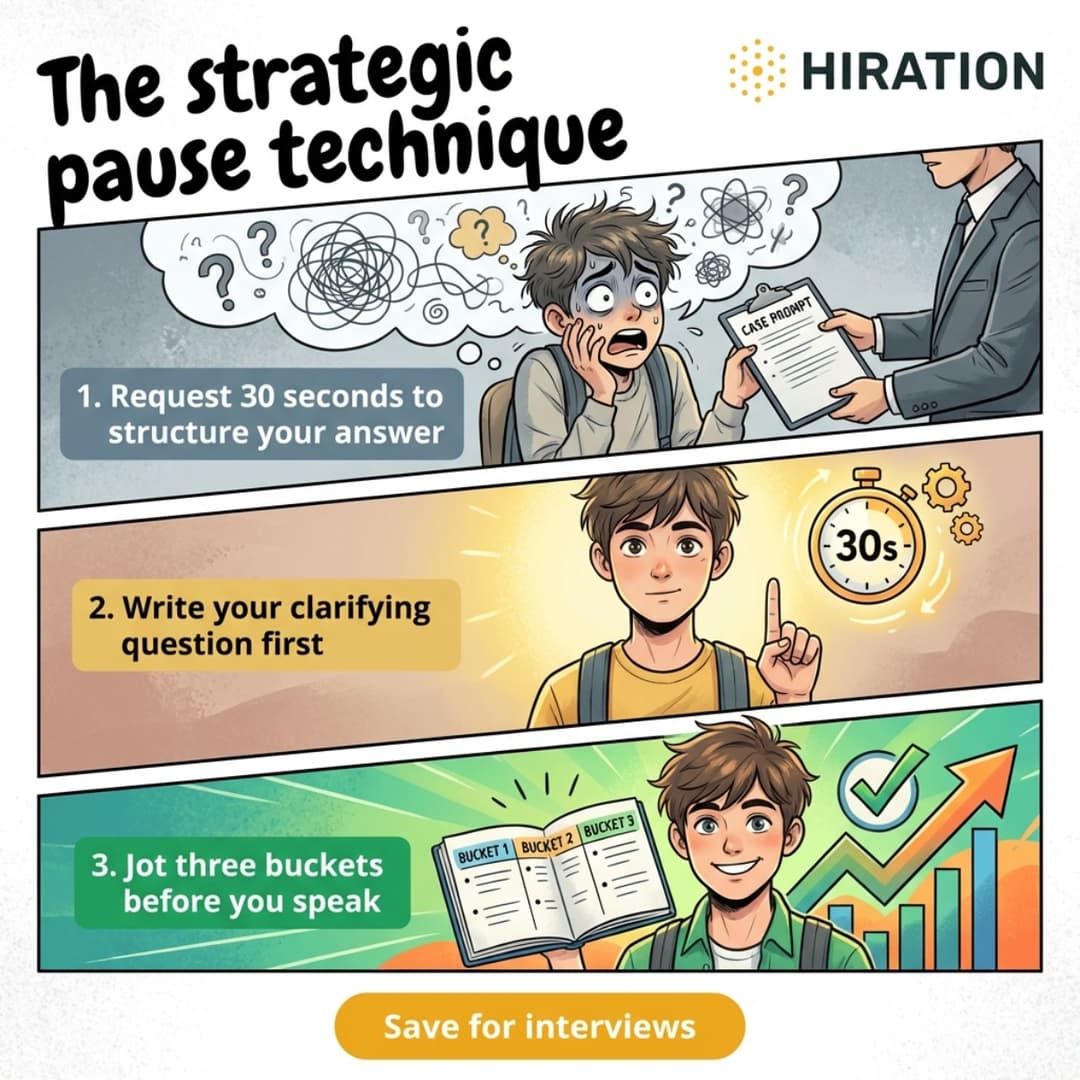
Tip: What your body language says in the first 30 seconds of an interview
Employer Panel promotion across channels
Resume Workshop last-call reminder
Statement: The biggest career fair prep myth on campus
Poll: How confident are you reaching out to someone you don't know?
Employer Panel follow-up resource post
Tip: 3 LinkedIn profile mistakes that cost students interviews
Engagement content fills the gaps. Event campaigns build momentum across weeks.
See it on your brand
Run one campaign with your own colors and logo, or get a walkthrough from the team.
You're never stuck with the AI’s first try
Generation gets you a strong first draft. Shaping it is fast, specific, and entirely yours.
Nudge any single field
Don't like the subject line? Regenerate just that one, with a note. Not the whole campaign.
Edit images in plain language
Tell the AI “warmer background” or “more whitespace.” It edits the image directly.
Or take the pen yourself
Open the full editor: drag elements, retype text, swap in photos. Hands-on, whenever you want.
Undo anything, anytime
Every version saved. Try a bolder direction, roll back anytime. Experimenting costs nothing.
The AI does the first pass. You do the final. Every word stays yours.
Not every channel is a feed
Your campus still runs on bulletin boards, tabling, and handouts. Any campaign becomes a print-ready flyer, right where students actually walk by.
A QR code that matches your brand
Customize color, shape, and embedded logo. Drop the scannable QR on any flyer. Hallway poster to signed up in one scan.
Print-ready, every time
US Letter PDF for the office printer. Full-bleed PDF for the print shop. PNG for screens. No reformatting, no cut-off edges.
Place the QR exactly right
Drag the QR clear of the artwork in the editor. Stays scannable, design stays clean.
From a campaign description to a poster on the wall, without opening a design tool.
Why this is not just Canva + ChatGPT
It thinks like a strategist
Timing, audience segments, messaging arcs, and topic variety. Not a blank page.
It art-directs like a creative director
Three visual concepts from different creative angles. Not a template picker.
It reviews like an editor
AI vision checks your image and copy together before anything goes live.
Built by Hiration, after 8+ years of working with career centers
Small teams. Recurring campaigns. Limited creative support. Students who tune out generic institutional copy. We built Campaign Studio for exactly that. And now for the teams next door, too.
Frequently Asked Questions
Is this really built for career centers, or is it just a general AI tool?
Campaign Studio is built around the actual work career centers do: promoting events, increasing student participation, driving awareness of services and resources, and maintaining engagement across campus channels. It is designed for that workflow, not retrofitted after the fact.
Will the content feel generic or AI-written?
It can if you use generic tools. Campaign Studio is built to create channel-aware campaign drafts for student-facing communication, and every output is reviewable before it goes live.
How is this different from using Canva and ChatGPT ourselves?
Those tools help with pieces of the job. Campaign Studio handles the campaign flow itself: planning, copy, visuals, channel adaptation, and review.
Can we keep our university branding intact?
Yes. Campaign Studio supports brand setup so generated content starts closer to your existing visual identity.
Can my whole team work on a campaign together?
Yes. Invite teammates as editors on any campaign by email. They get full editing rights on the campaign content while your brand kit, logos, and QR styling stay under the owner. New invitees who do not have an account yet get walked through a short setup before they land in the campaign.
How quickly can we go from idea to campaign?
Usually in minutes. One-Click Post can also generate and email you a complete post in under a minute; refine only what needs attention.
Can we turn campaigns into a newsletter?
Yes. Publications compile your existing campaigns into a one-page branded newsletter. AI rewrites them into one voice, applies your brand, and outputs a print-ready PDF. Adjust everything before export with the block editor and live preview. Multi-page flipbooks are coming soon.
Can we post content between events, not just event promotions?
Yes. Engage content covers career tips, polls, and statements, each with channel-ready copy and an on-brand visual. You can create single pieces or a series that unfolds across the weeks of a campaign. For polls, AI drafts the question and suggests answer options.
How does the Weekly Plan work?
Weekly Plan generates a post idea for each weekday, avoiding topics from recent weeks. Turn any slot into a full campaign in one click. Regenerating preserves slots already turned into campaigns.
Can we build event pages too, or just social posts?
Both. From any campaign you can generate a shareable event page at your branded URL. The AI proposes three full-page directions, you pick one, and publish. Your brand colors, logo, and the campaign image are baked into the page at publish time.
Can we use our own photos and visual style?
Yes. Upload your logos and reference images in your brand kit; they guide every AI generation alongside your colors and font. The built-in design editor also accepts direct uploads and includes free stock photo search, so you can swap any visual by hand.
Can this work for other campus teams too?
Yes. Career centers are who we serve most and where the product is deepest, but the same workflow fits any team running student-facing campaigns without an in-house marketing function. That includes admissions and enrollment, student success and advising, academic departments, alumni engagement and advancement, residence life, library, wellness, and others. Reach out at team@hiration.com to talk through your specific setup.
From the Blog
Practical strategies for higher-ed teams that engage students.
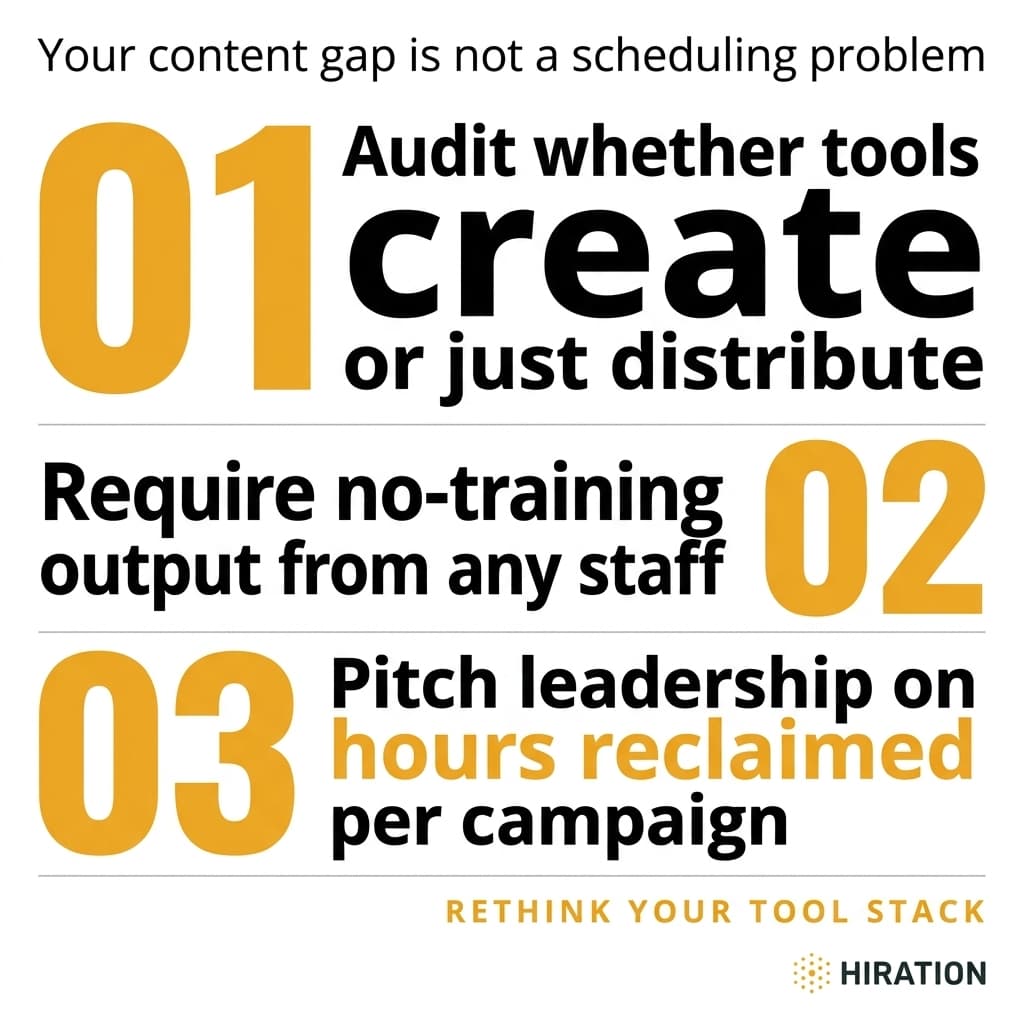
Student Engagement Platforms: 5 Questions Small Career Teams Should Ask
Small career center teams waste hours producing content across channels. Use these 5 evaluation questions to find tools that solve the real bottleneck.
6 min read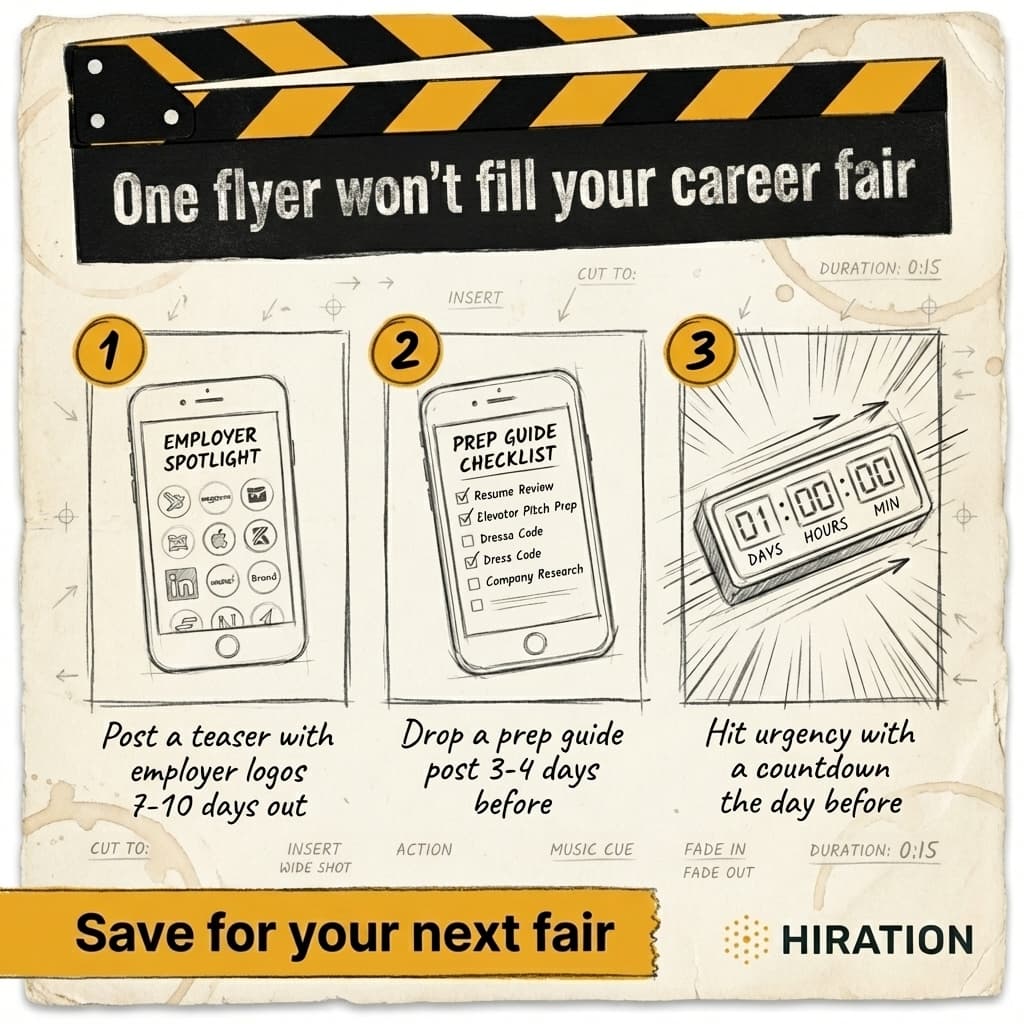
Instagram Career Fair Promotion: A 3-Post Strategy That Works
A 3-post Instagram sequence that fills career fairs: employer logos, prep guides, and social proof, timed to how students actually make decisions.
6 min read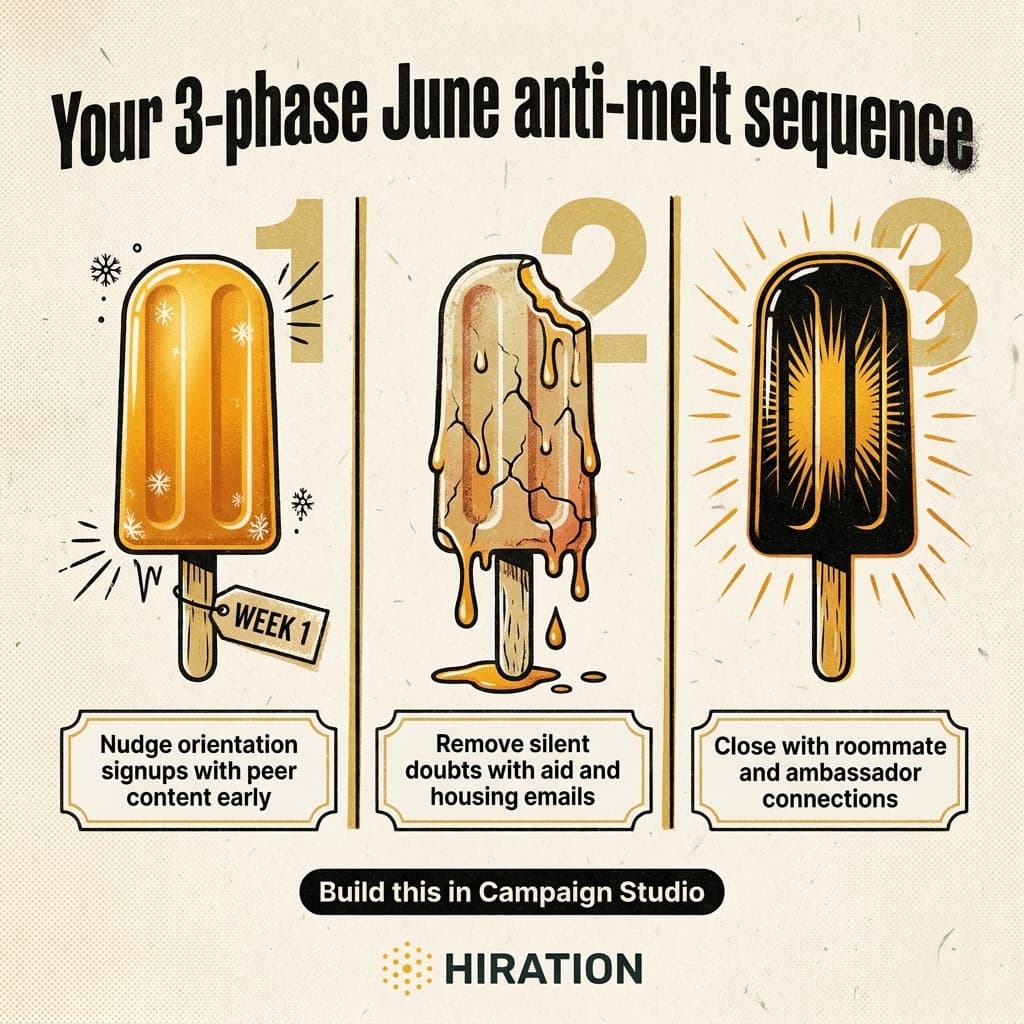
June Summer Melt Prevention: A 3-Phase Email Sequence
A week-by-week June email sequence to prevent summer melt, targeting the three reasons deposited students ghost: logistics, finances, and belonging.
7 min read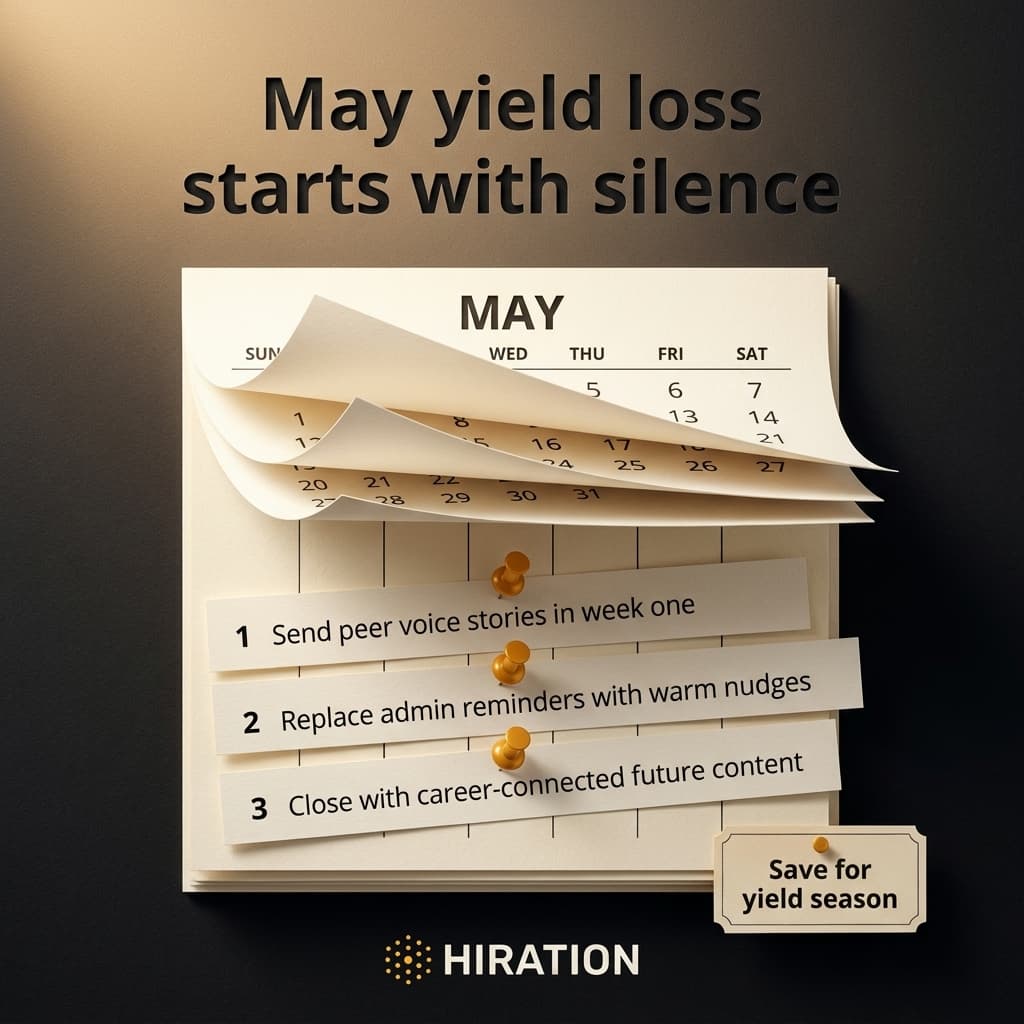
May Deposited Student Content: Week-by-Week Guide to Prevent Summer Melt
A week-by-week May content plan for deposited students that prevents summer melt. Peer stories, warm nudges, career content, and orientation momentum.
6 min read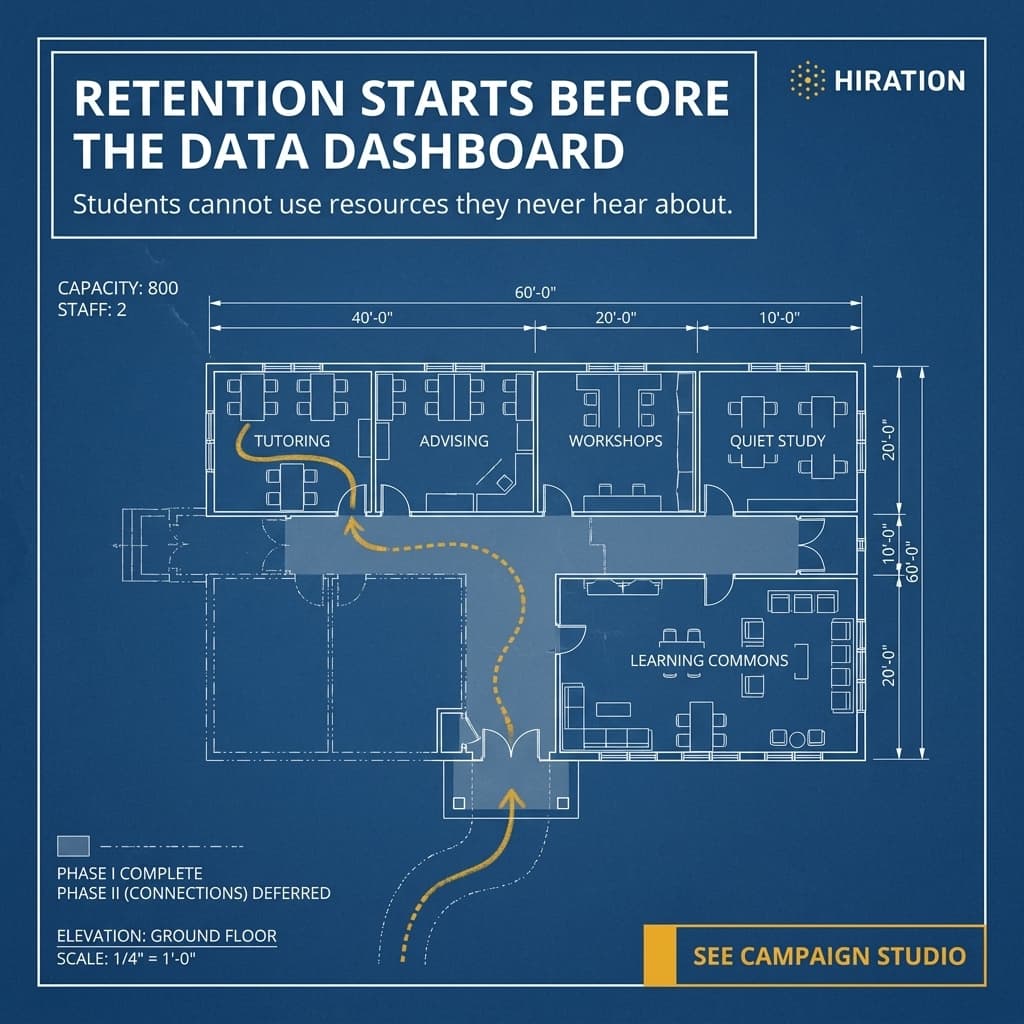
Student Retention Strategies for Small Teams: A Practical Guide
Small student success teams can't out-market admissions. But targeted retention campaigns during critical weeks drive real results. Here's how to do it.
5 min readAt-Risk Student Outreach: A 4-Step Sequence That Prevents Silent Withdrawals
A 4-step outreach sequence for at-risk students that prevents silent withdrawals. Practical steps for student success teams, even with limited staff.
6 min read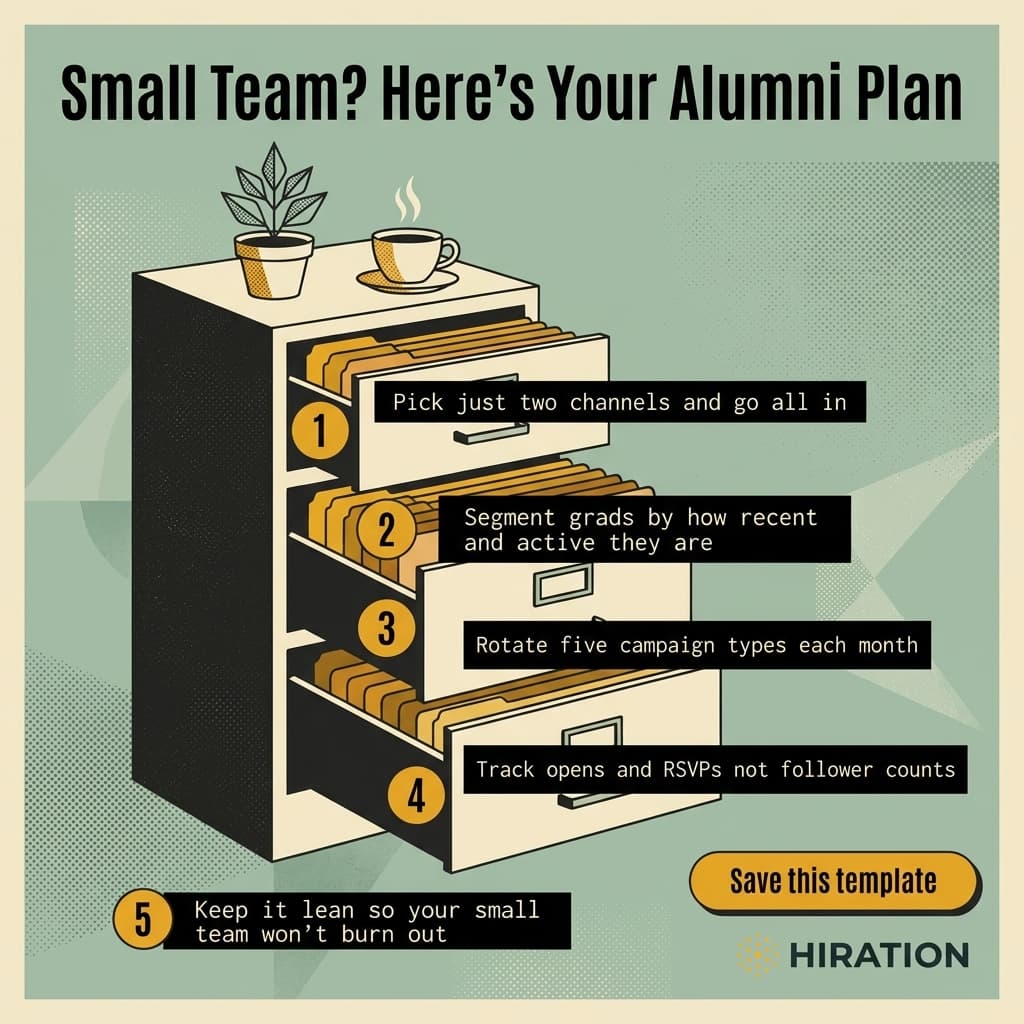
Alumni Marketing Plan Template for 2-3 Person Teams
Alumni marketing plan template for 2-3 person advancement teams. Two channels, five campaign types, and metrics that actually predict giving.
7 min read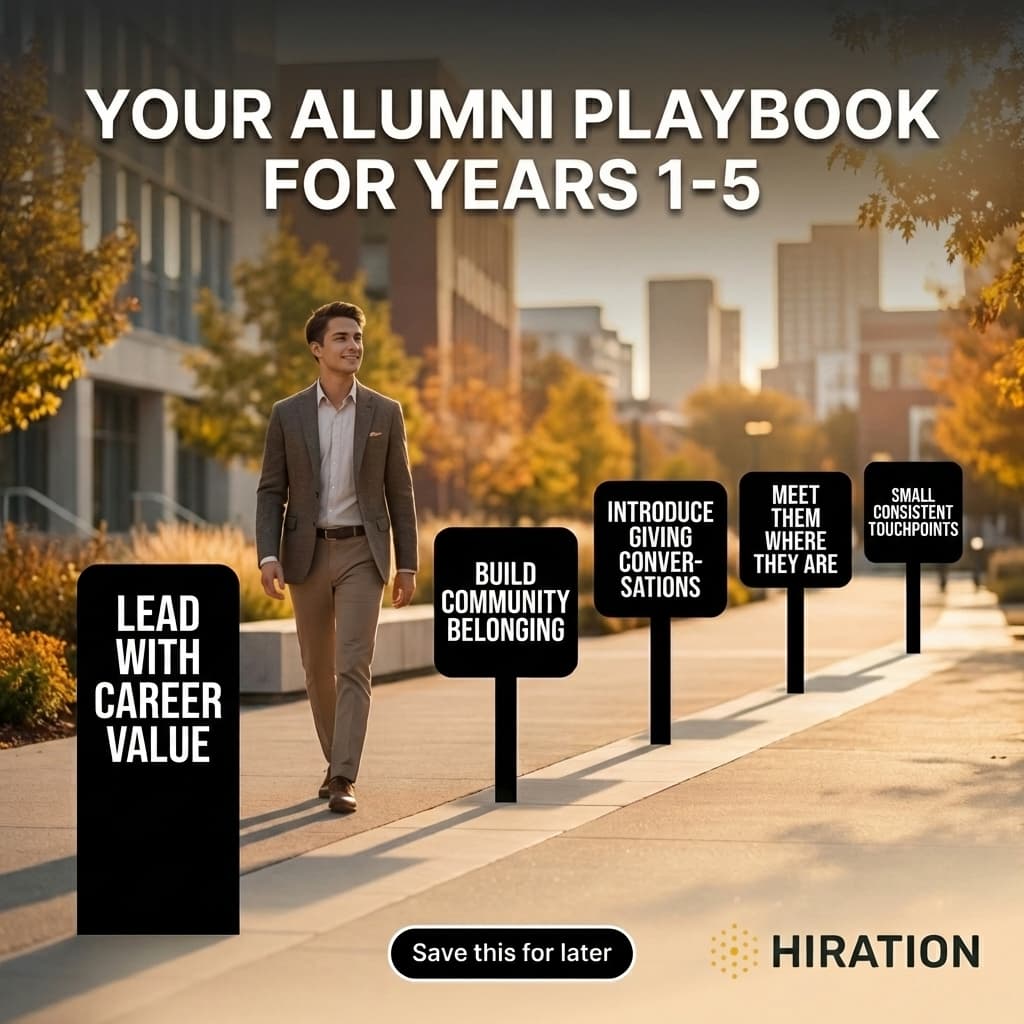
Young Alumni Engagement: A 5-Year Progression That Earns Giving
Stop sending donation asks to recent graduates. A 5-year engagement progression from career value to community to giving builds young alumni loyalty that lasts.
6 min readWhy Higher Ed Teams Get Less From AI Than They Should
Higher ed teams adopt AI tools but lose hours to copy-paste logistics between platforms. Here's why point solutions fail and workflows win.
6 min readAI Content in Higher Ed: Fix the Context Problem First
AI content sounds generic because it lacks institutional context. A step-by-step approach for higher ed teams to build voice, tone, and brand into every AI prompt.
5 min readKeep students engaged, week after week
From event flyer to weekly post to end-of-semester newsletter: on brand, refined in plain English, ready same day.
Free to start. No credit card. Video campaigns coming soon.